

An integrated, intelligent web chat tool for SugarAI. Embed this chat tool into your website and manage your conversations directly from SugarCRM. See your web visitors, web visit history, and chat history as you are working with a visitor.
SugarIQ Configuration
Install & Settings
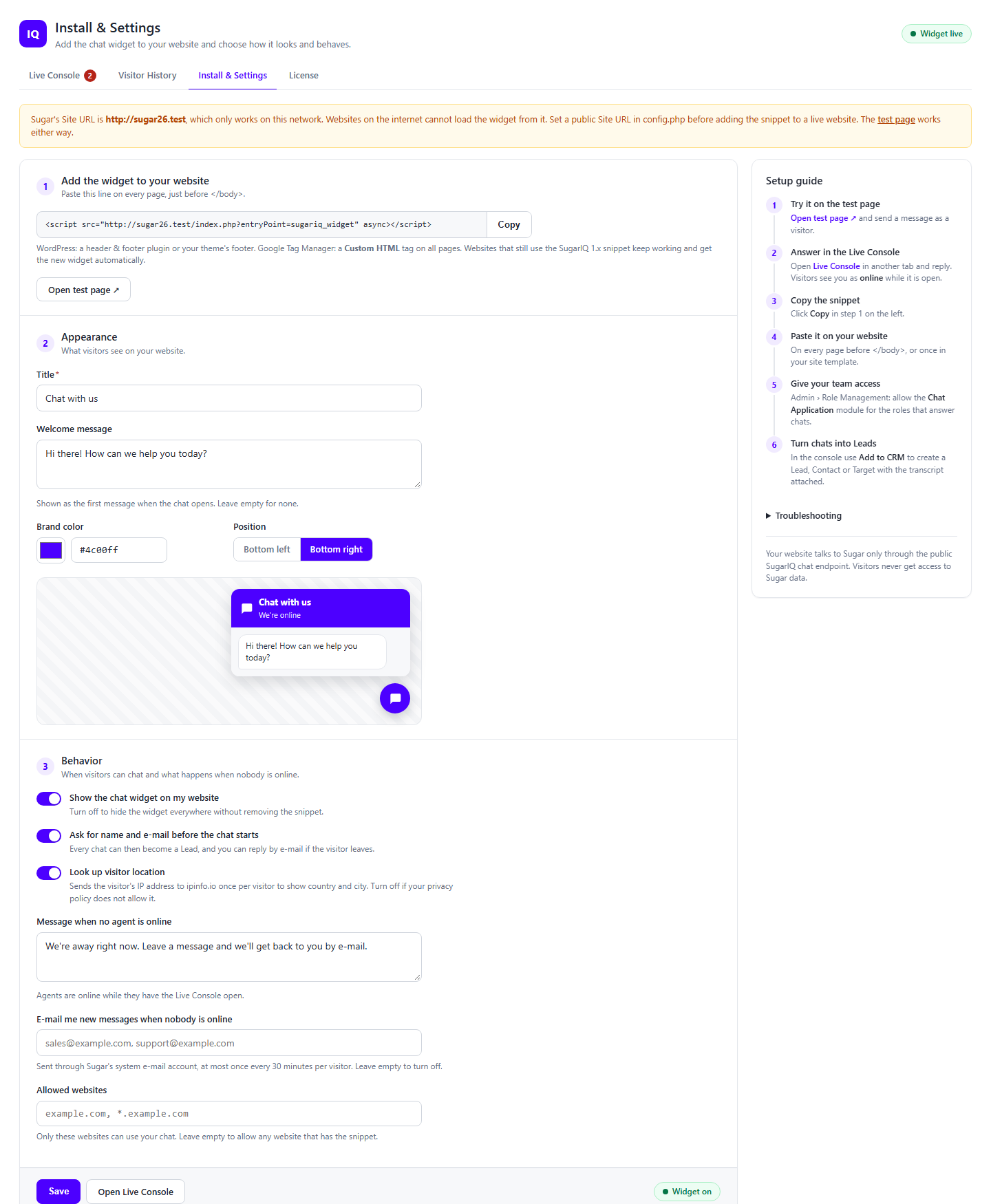
Everything you need to put the chat on your website lives in one place: Admin, then SugarIQ Live Chat, then Install & Settings. Only admins can open it.
Get the code
Copy the one-line snippet and paste it on your website just before the closing body tag. The same snippet works on any site (WordPress, Shopify, Wix, custom), loads in the background and never clashes with your site design.
Make it yours
- Choose the chat title, the welcome message, your brand colour and the position of the chat button.
- Watch the live preview update as you type.
- Ask for a name and e-mail before the chat starts, if you want one.
- Set the message visitors see when nobody is online.
Allowed websites
Choose which websites may use your chat. A snippet on any other domain is turned away.
Offline e-mail alerts
Get an e-mail when someone writes while your team is offline, so no conversation is lost.
On your visitors side
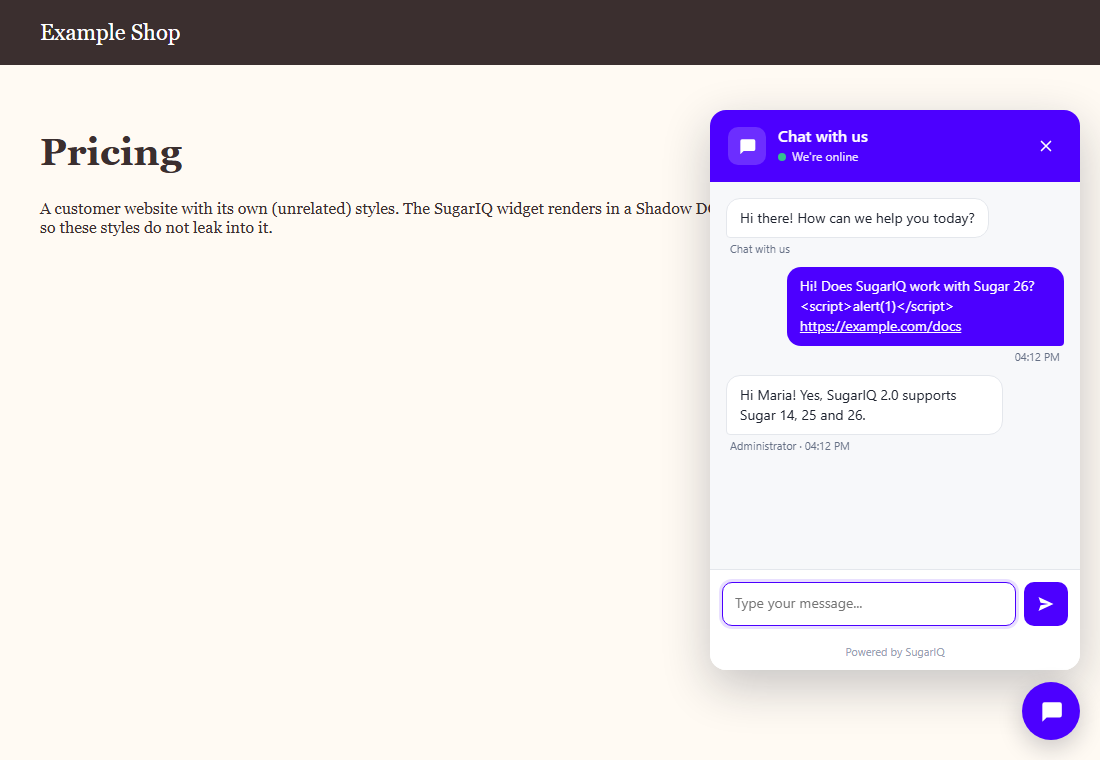
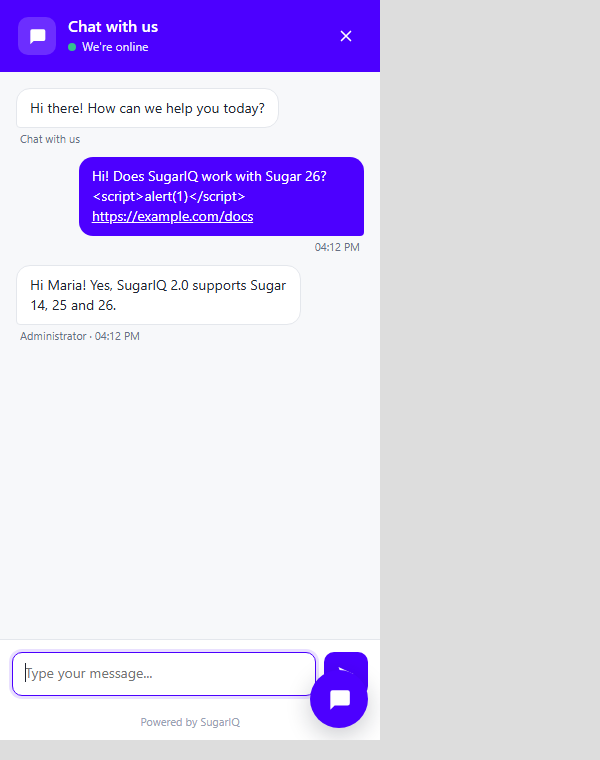
Visitors see a clean, fast chat button in your brand colour. They see "We are online" while an agent has the console open, and your offline message when nobody is. On phones the chat opens full-screen.
 Saving Comment...