

ShapeMySugar is the module you need to convince your employees to use your CRM. Thanks to this module, you are able to customize many elements of your application so that your team can make it their own and identify your CRM as a new coworker. You will be surprised at the improvement of the user experience!
Shape my Visual flow
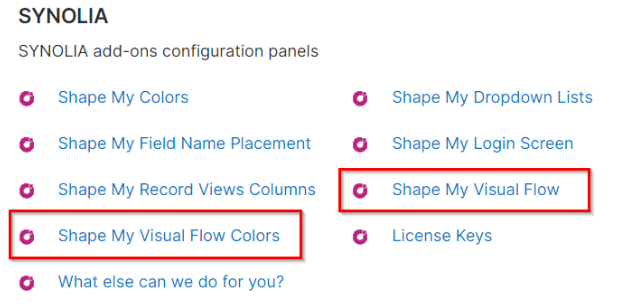
The configuration of visual process indicators on the recording view is done in the administration panel at two levels:
6 Shape my Visual Flow 6 Shape my Visual Flow Colors
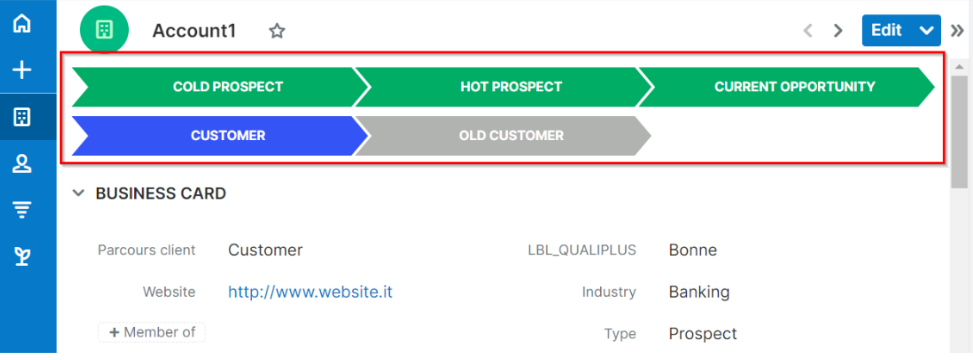
Possibilities This module allows you to display a visual process based on the values of a drop-down list at the top of a module's recording view.
Example :
Shape my Visual Flow This menu allows you to administer the display of processes on the modules. It is accessible through the following administration menu
Only one visual process can be created per module.
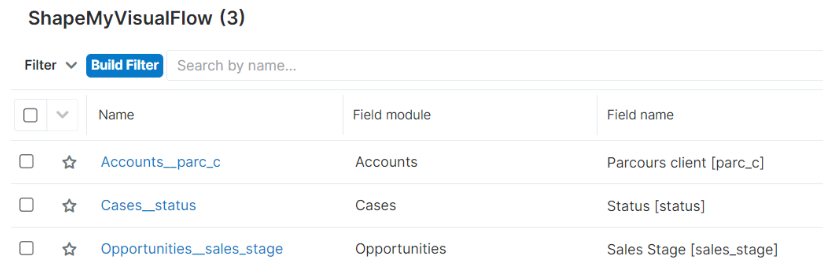
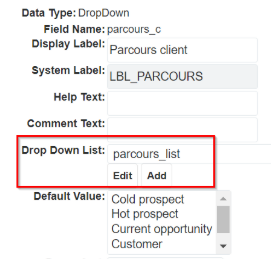
Each module is associated with a drop-down list type field which will serve as steps.
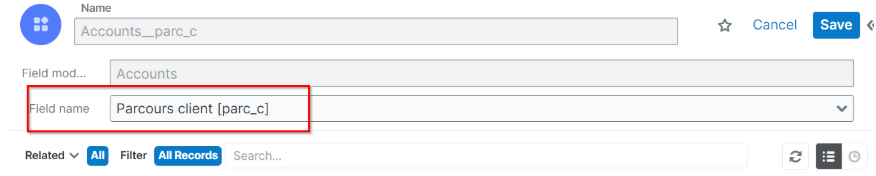
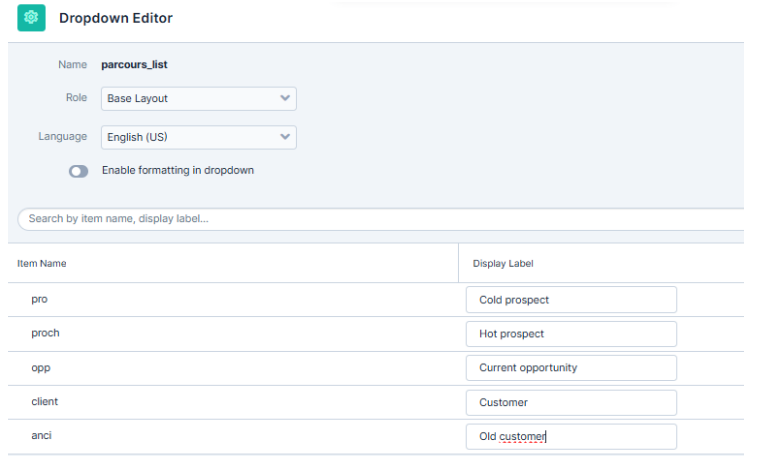
The display order of the field steps is that defined in the drop-down list manager.
Example :
To change the order, simply move the items in the list and then save.
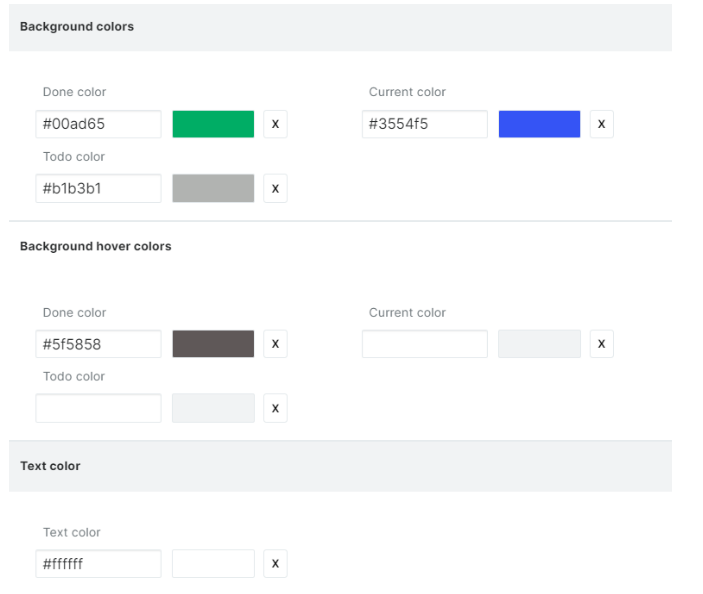
Shape my Visual Flow Colors This menu allows you to administer the process colors on the modules. It is accessible through the following administration menu
The defined colors are common to all modules.
The shade can be chosen from the palette, saving will allow an immediate change of the display in the module recording view.
 Saving Comment...

