
The SugarAI ESG addon provides a collection of modules for organizing and reporting sustainability data, turning ESG data disclosure into a transparent and audit-ready process for companies using SugarAI.
Installation Guide
Installation Guide for KINAMU ESG Addon
Requirements
Sugar 25.x, 26.x
Step 1
Back up your entire CRM system (files and database)
Step 2
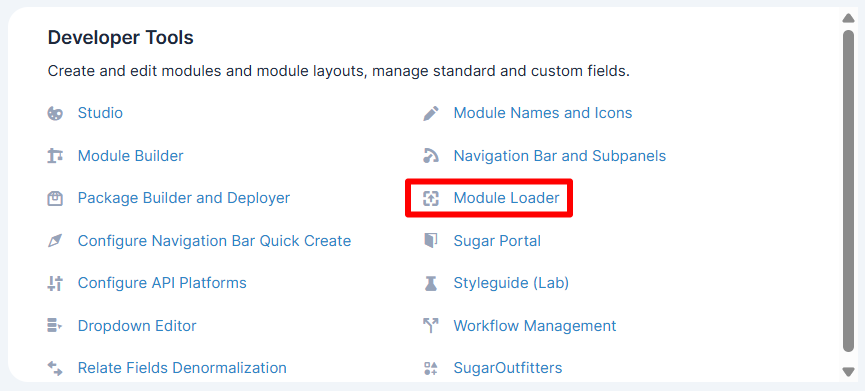
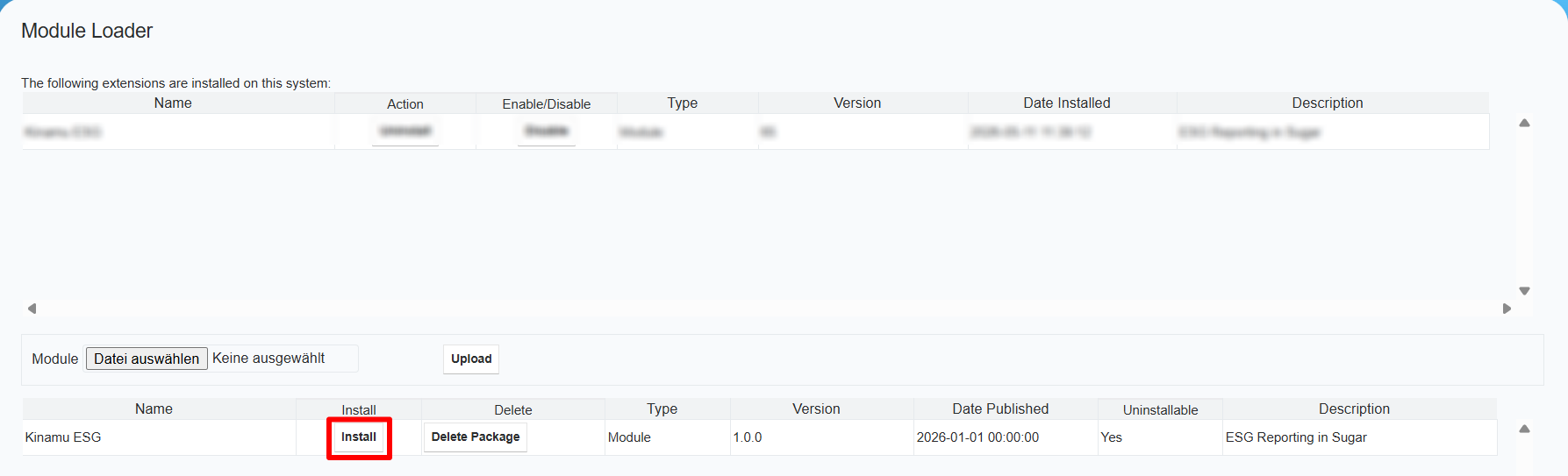
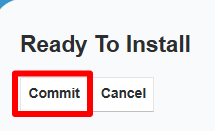
Go in the Adminstration Section. In the Admin Section navigate to the module loader. From there, select and upload the zipped module. If the module is successfully uploaded, press the install button. From there follow the instructions.
Step 3
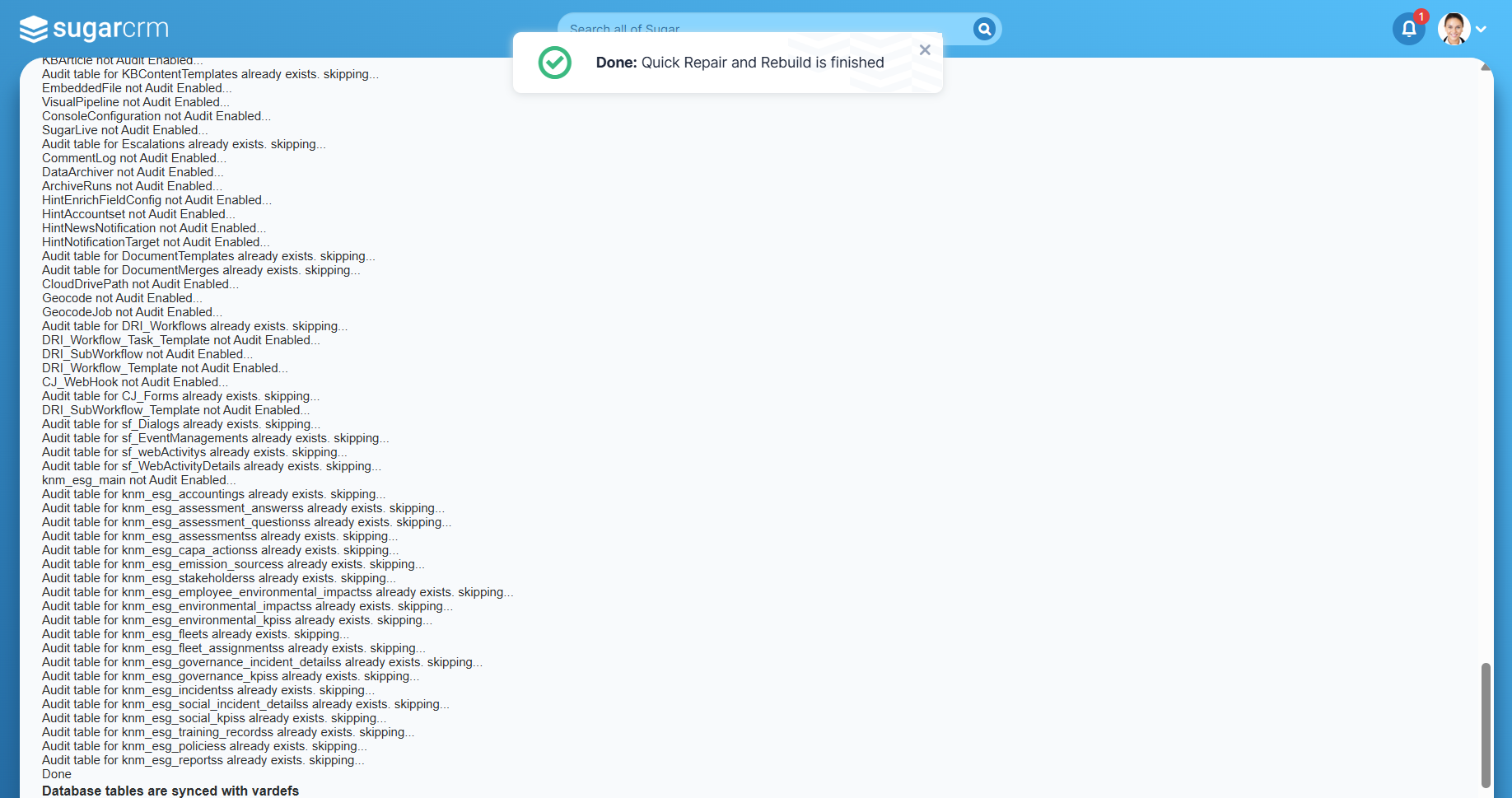
After the installation please navigate to the "Repair" section on the administration page and select "Quick Repair and Rebuild".
Step 4
When prompted with the warning that there is a difference between the database and vardefs, hit the "Execute" button and repeat Step 3.
Step 5
After successful syncronisation you can find the "KINAMU ESG Addon" Panel on the administration page.
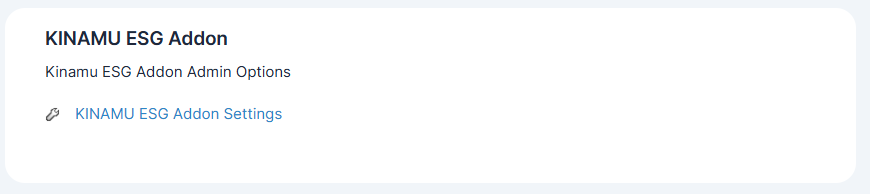
By clicking on "KINAMU ESG Addon Settings" link, the config panel shows up.
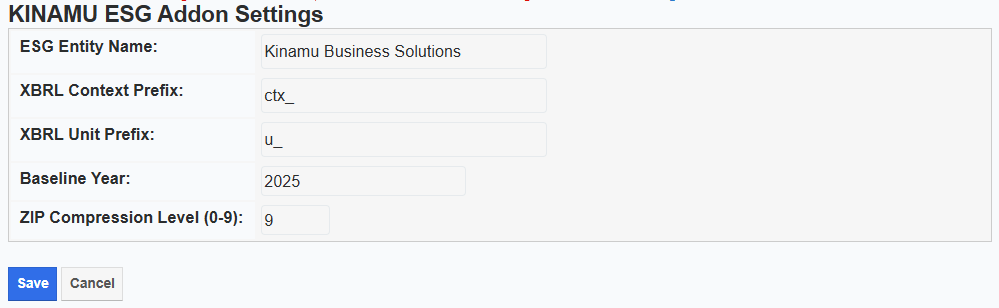
You can configure the following ESRS report parameters:
- ESG Entity Name
- XBRL Context Prefix
- XBRL Unit Prefix
- Baseline Year
- ZIP Compression Level (0-9)
 Saving Comment...

