Seamlessly connect your SugarAI with Instagram Lead Ads to unify and streamline your lead management process. This integration enables automatic, real-time capture and synchronization of leads directly from Instagram into SugarAI eliminating manual data entry and reducing response time. Empower your sales and marketing teams with instant access to new leads, enriched customer data, and organized follow-ups. Improve lead tracking, boost conversion rates, and ensure no opportunity slips through the cracks. Enhance team collaboration, respond faster to prospects, and make smarter, data-driven decisions all from a single, connected platform.
Installation Guide
Installing the Add-on
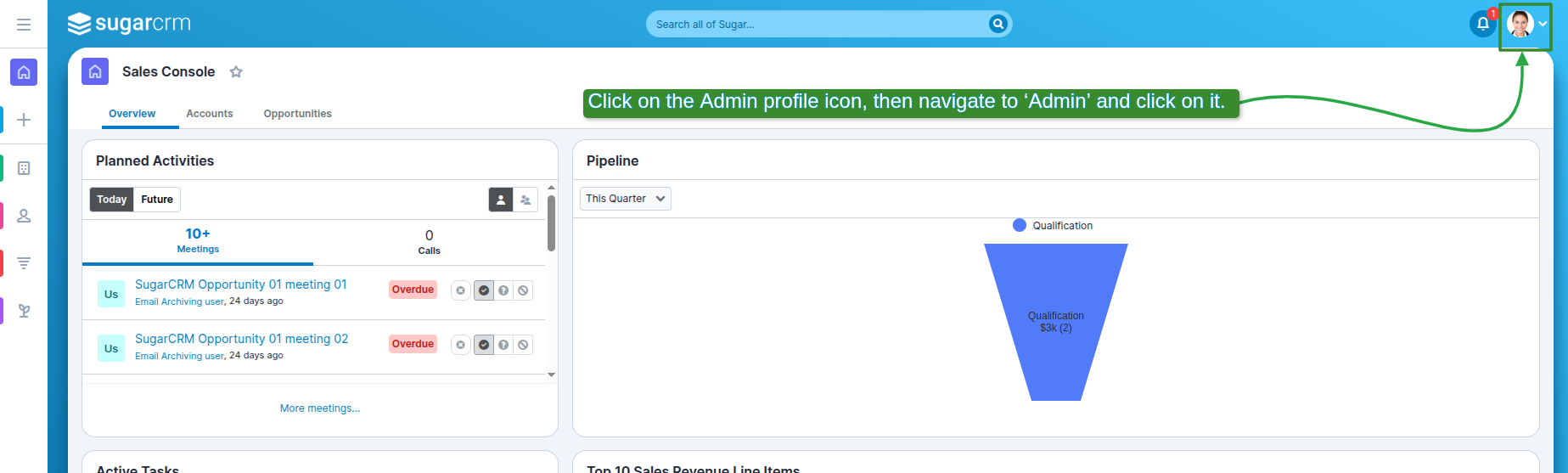
1. Click on the Admin Profile icon, then navigate to 'Admin' and click on it.
2. After Admin Page Open Find "Instagram Integration Sections".

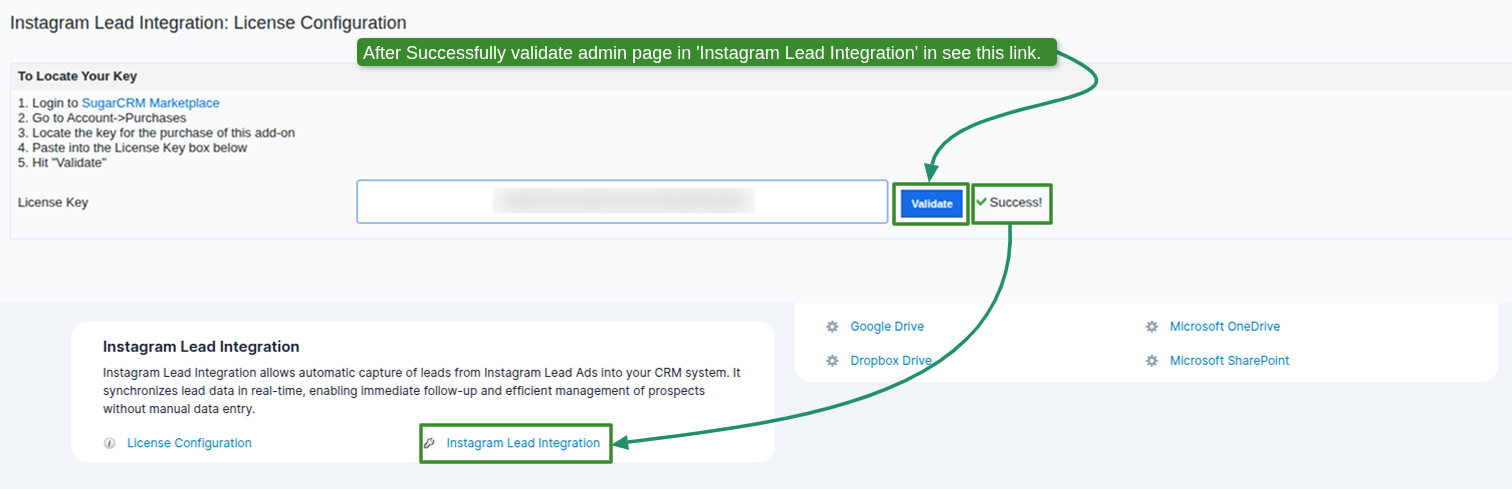
3. Click on this link Appear this page and enter License Key and Validate
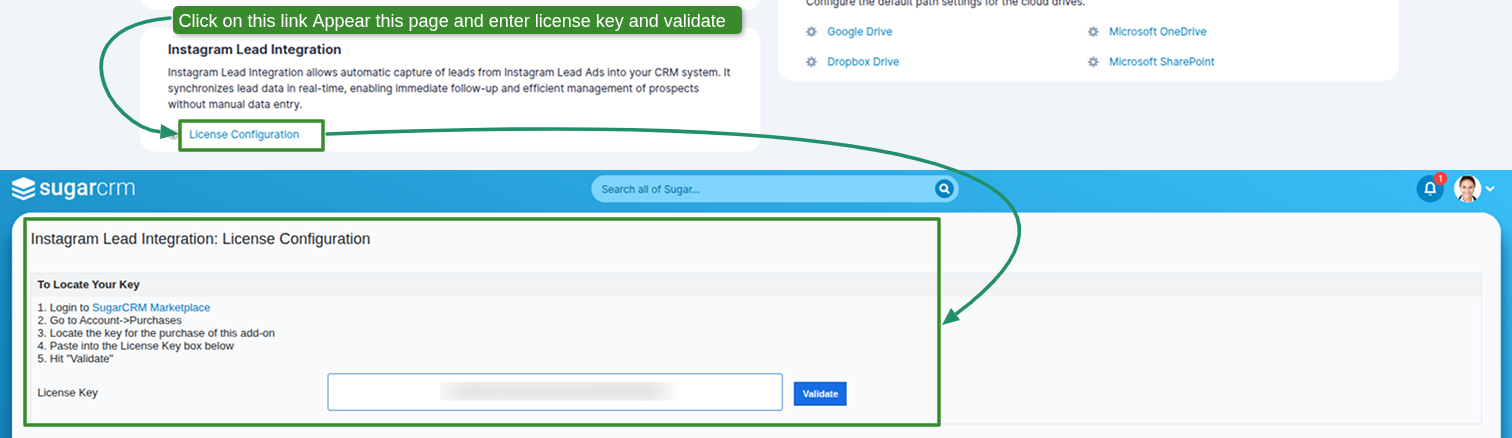
4. After Successfully validate Admin Page in Instagram Integration in See this link
 Saving Comment...