

Address Helper adds street address auto-completion to Sugar. Get correct qualified data to save yourself time and troubles.
A must have it you ship parcels, mails, use map locators, and so on.
Address Helper currently uses external address autocomplete Apis. You can select one based on their capabilities or prices (most offer a free plan).
Please contact us if you need to use an address auto-complete provider we do not list yet.
Module configuration
Creation of the LocationIQ account
First, you must create an account on the site https://locationiq.com/, it will allow you to obtain a token needed to find addresses in Sugar.
Token Recovery
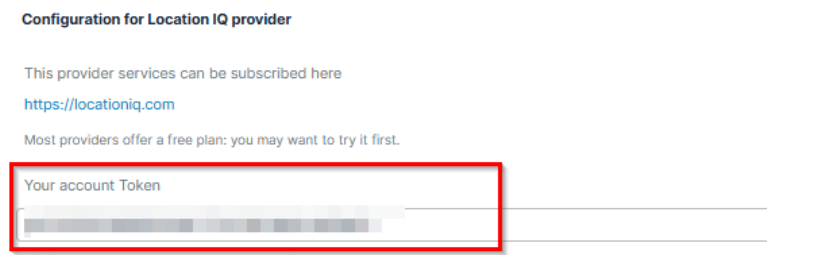
On the LocationIQ site, go to the “API Access Tokens” section then copy the value from the « Access Token » column.
Address Helper’s License
In the administration, go to the Synolia’s license keys module.
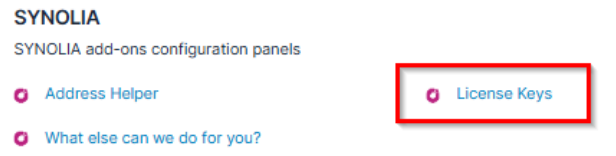
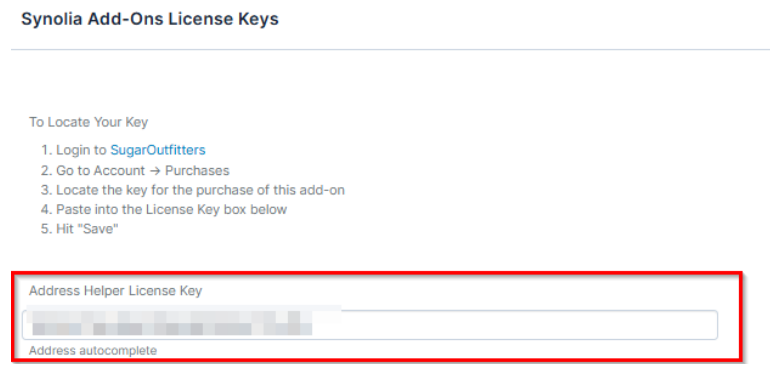
Enter the specific license for Address Helper, then save.
Module configuration
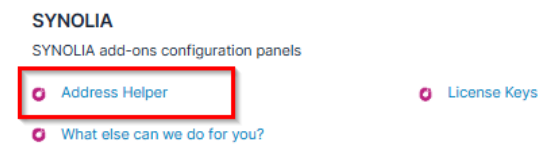
In the administration, go to the Address Helper module.
Select Location IQ and the value
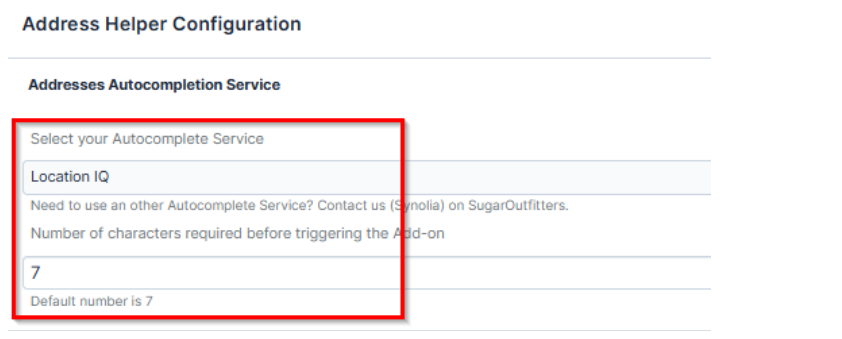
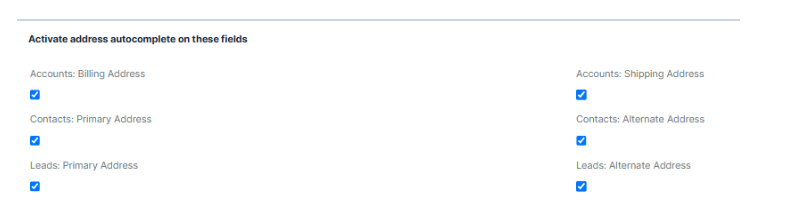
Select fields to be used be the module
Paste the LocationIQ token :
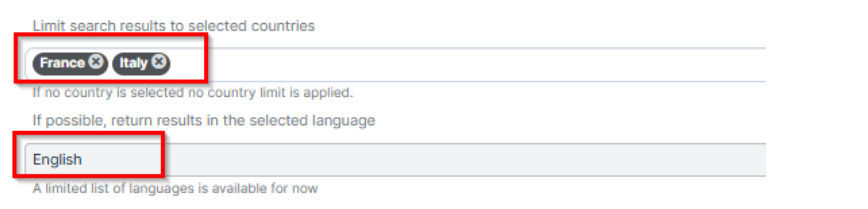
Then, enter the countries concerned by the search as well as the desired language of the results
Finally, save
 Saving Comment...
