

Field Mask will be your greatest ally in formatting your Sugar CRM data. This module improves the reliability of your data and saves time for your whole team by allowing you to use input templates to your information fields (zip code, phone number, etc.).
Installation Guide
PDF Version
A full PDF installation and user guide is available for download for:
Introduction
SynoFieldMask is a module developed by Synolia, allowing the deployment of masks for fields with a fixed size and for the following field types: Name, Varchar and Telephone in all the modules of Sugar like Accounts, Contacts, etc. This module is available for any modules created with the Module Builder
Requirements
To install and use the SynoFieldMask module, you must have an original Sugar version where you have administrative rights. Your Sugar original source code must not be changed so that the installation can be done in the best conditions. The customizations done using the Studio are supported.
This module is compatible with the Professional, Enterprise, Sell & Serve editions of Sugar starting with the 7.2 version.
SYNOLIA cannot be held responsible for the use you make of the SynoFieldMask module.
Installation
SynoFieldMask is installed like a standard module using the « module loader » in the Developer Tools of admin section of your Sugar.
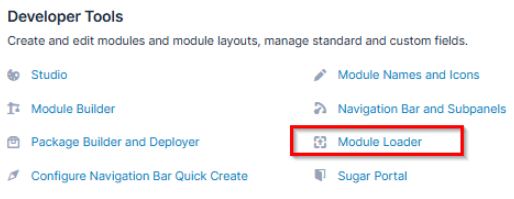
To install the module, look for the package on your hard drive using the << Browse >> button and then click on << Upload >> . Once uploaded, it will show up in the list of available packages ready for installation. To install the package, click on the << Install >> button

Once uploaded, it will show up in the available modules list. Click on the “Install” button to start the installation process.

• Accept the license terms • Click on “Commit”
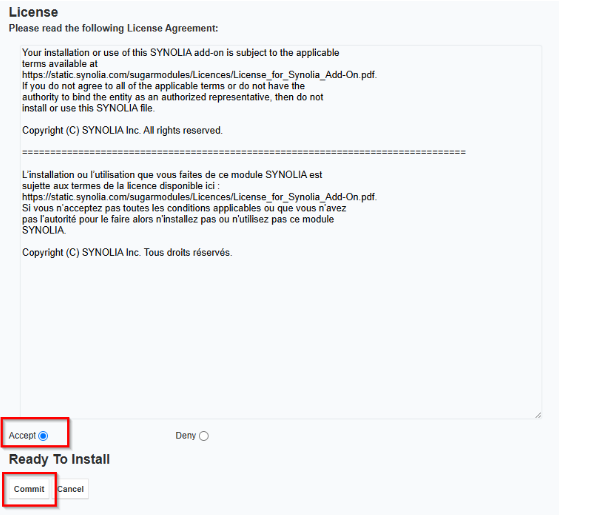
Once installed the following repair must be launched :
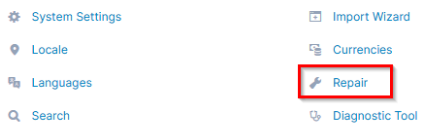
To finish the installation and to be sure of the data integrity, some reparations are necessary. This action can be found in the << Repair >> section of the Administration of Sugar :
• Click on “Rebuild JS Grouping Files” • Click on “Quick Repair and Rebuild” • Click on “Rebuild Sugar Logic Functions”
To limit the risk of bugs it is recommended that you empty the browser’s cache and refresh the page
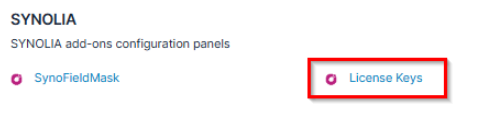
A new section SYNOLIA will be present in the admin page and it will contain a link to the configuration page of the SynoFieldMask module.
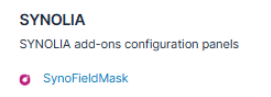
License
Enter the license key in the dedicated management module within the SYNOLIA section, then save.
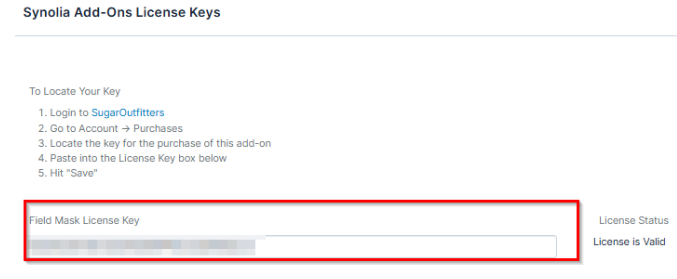
You can confirm that the license has been successfully registered via the "license is valid" message.

Uninstall
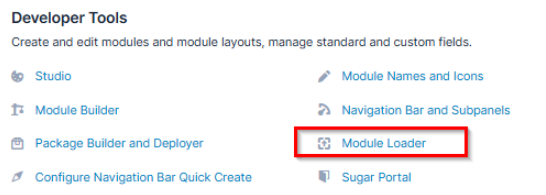
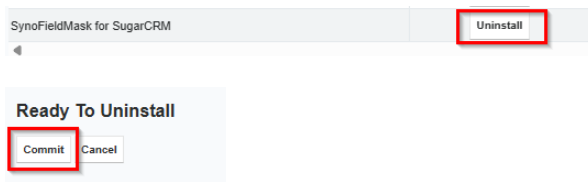
The SynoFieldMask module can be uninstalled using the << Module loader >> in the Admin section. Simply click on the << Uninstall >> button.
Click on << Commit >> to start the uninstall process.
 Saving Comment...

